
Sending an Email in Scoutbook


Sending an email in Scoutbook doesn’t require tech expertise.
It’s simply a way to make sure important information reaches the right families.
If you can send a regular email, you can send one in Scoutbook.
And remember — clarity is far more important than perfection.


To get started, visit the Scoutbook website and sign in to your account:
https://scoutbook.scouting.org/mobile/dashboard/


Once on the page, you may need to click the "Login" button in the upper right corner.
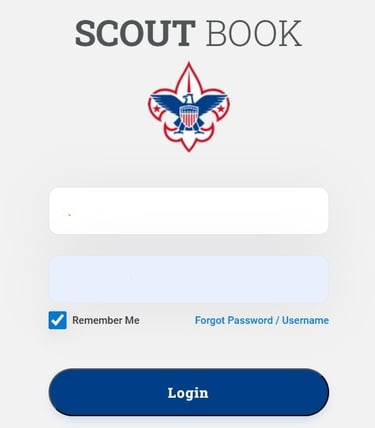
At this point you will need to login with your username and password on this screen. Be sure to click "Login".
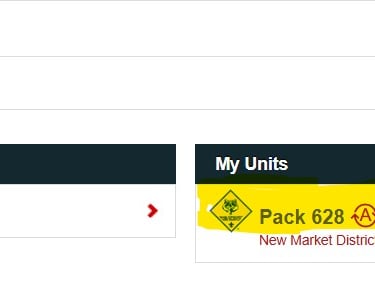
At this point you should see your accounts. On the left will be your families account, and on the right will be "My Units" where you should see "Pack 628". Click on "Pack 628"

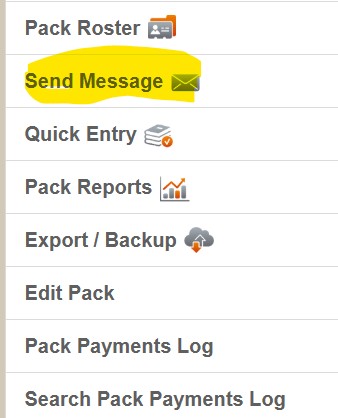
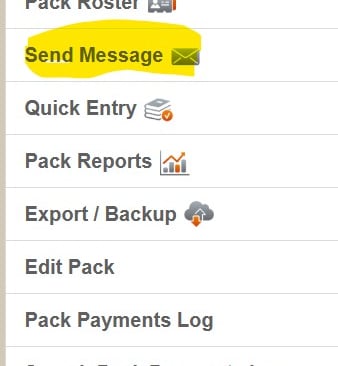
At this point you will want to scroll all the way to the bottom to click on the link for "Send Message".
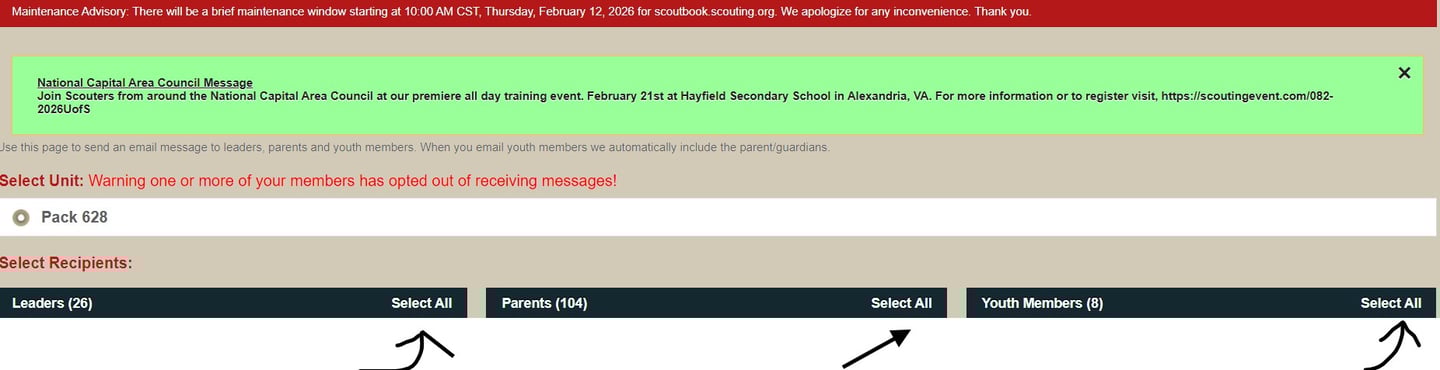
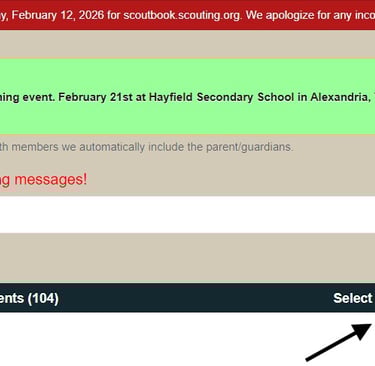
At this point you will want to select all individuals you want to send this email to. In most cases you will want to "Select All" for all three categories.
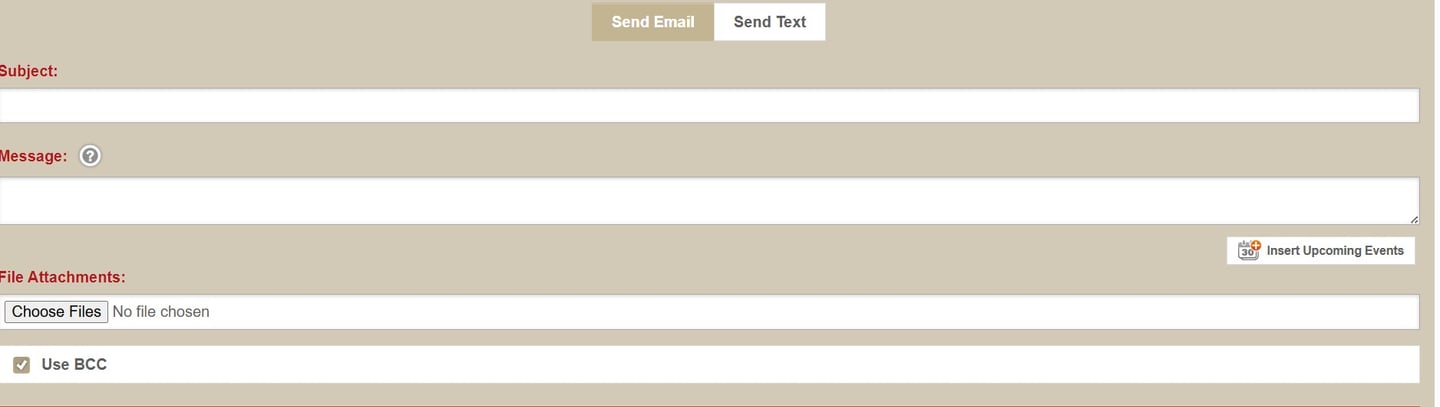
If you now scroll all the way to the bottom of the page, you will see all the fields to fill in for the email. The button to "Send Email" is just above all these selections.
Still have questions?
If you’re unsure about anything, don't hesitate to ask. Reach out to another leader or the committee. We’re all learning together, and no one is expected to figure it out on their own.


Cub Scouts
Pack 628
New Market, MD
(c) Cub Scout Pack 628, 2015
Connect


