
Recording Hike Miles in Scoutbook

Recording miles after a hike helps scouts receive credit for the activity and keeps Scoutbook up to date.
This guide walks through one simple way to record bike or hike mileage for scouts who participated in a pack event.
You don’t need to record everything perfectly. Think of this as a helpful reference you can come back to whenever you need it.


To get started, visit the Scoutbook website and sign in to your account:
https://scoutbook.scouting.org/mobile/dashboard/


Once on the page, you may need to click the "Login" button in the upper right corner.
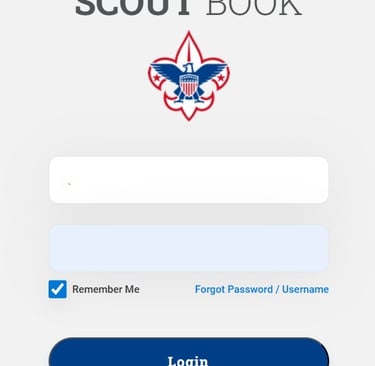
At this point you will need to login with your username and password on this screen. Be sure to click "Login".
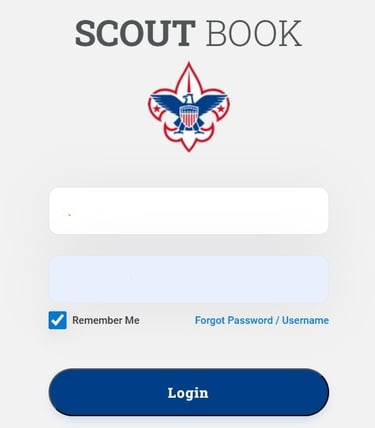
At this point you should see your accounts. On the left will be your families account, and on the right will be "My Units" where you should see "Pack 628". Click on "Pack 628"

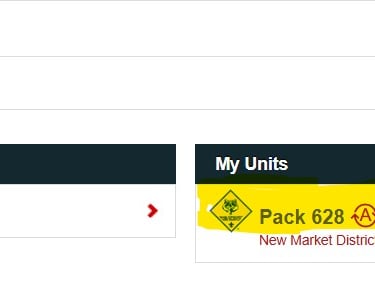
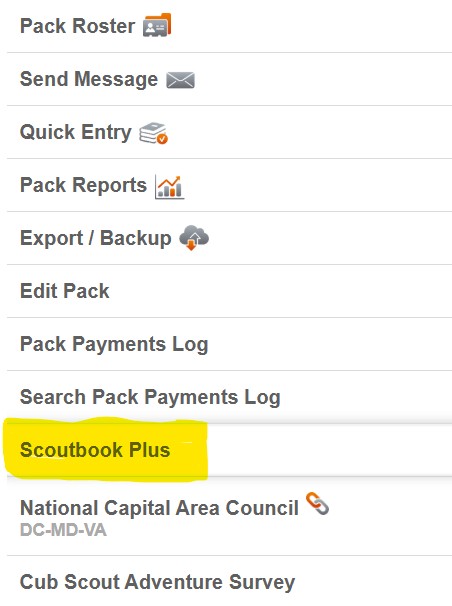
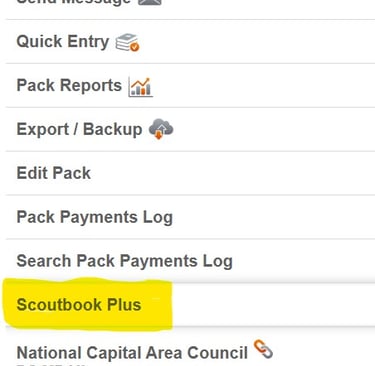
At this point you will want to scroll all the way to the bottom to click on the link for "Scoutbook Plus". You may need to login in again at this point. It will just depend if you phone or computer still remembers your last login.
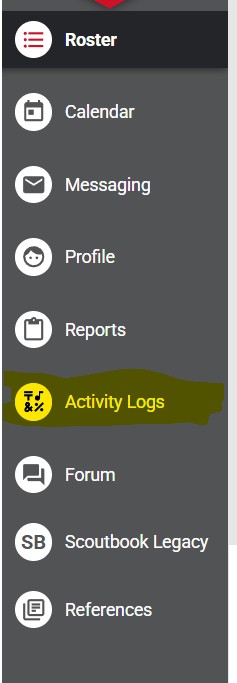
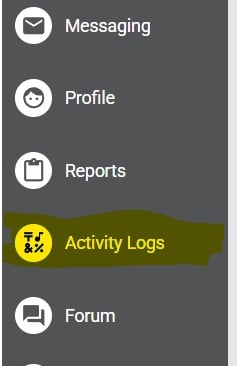
On the right menu you will now want to select "Activity Logs"
On this page you will see the current months calendar. In the upper right corner you will want to select "+ New Activity Log".
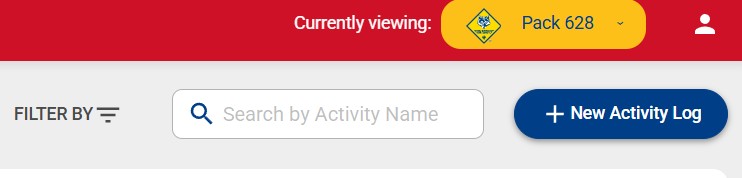
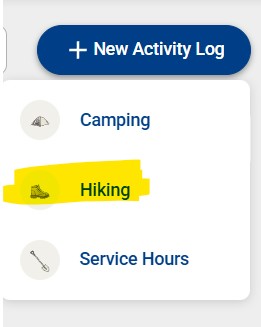
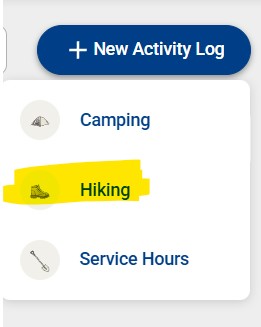
After you click on "New Activity Log" you will see 3 options. If you want to add a hike log, click "Hiking"
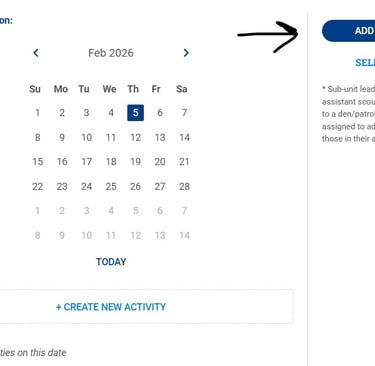
Now you will want to use the "ADD PERSON" button on the left side to add scouts, leaders and any parents that have an account that attended the event. You will also want to select the date of your event, then click "CREATE NEW EVENT".
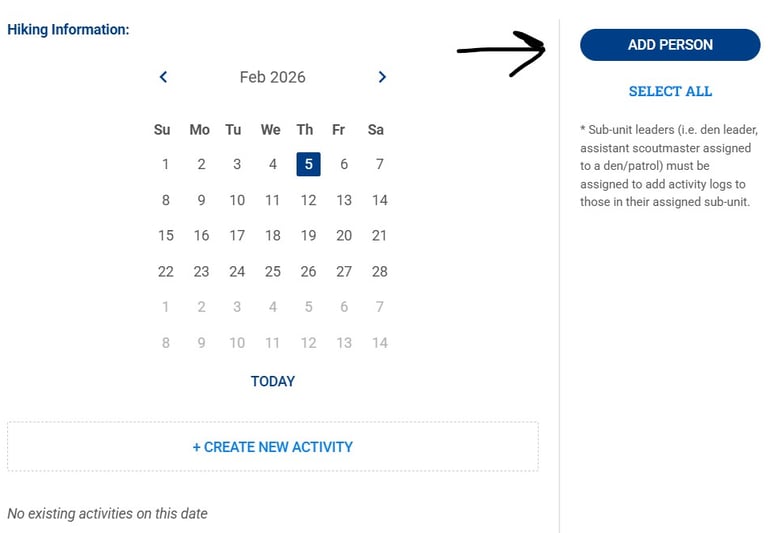
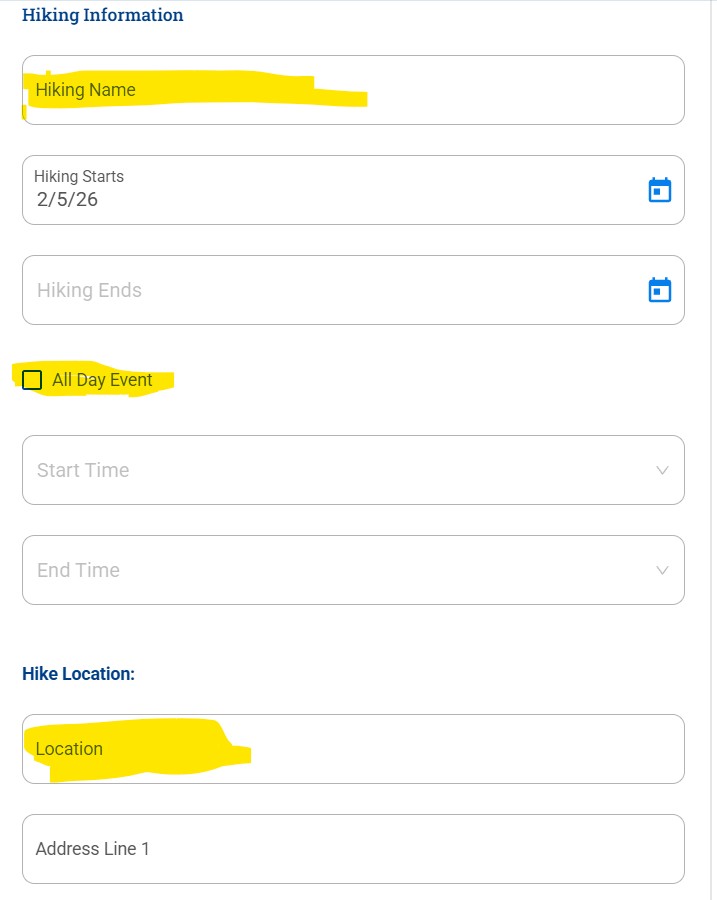
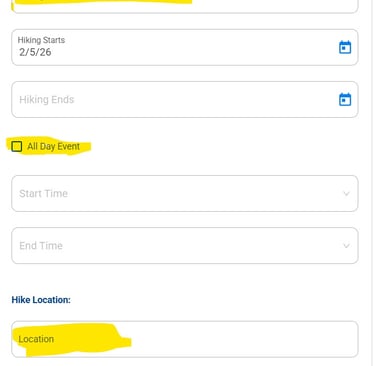
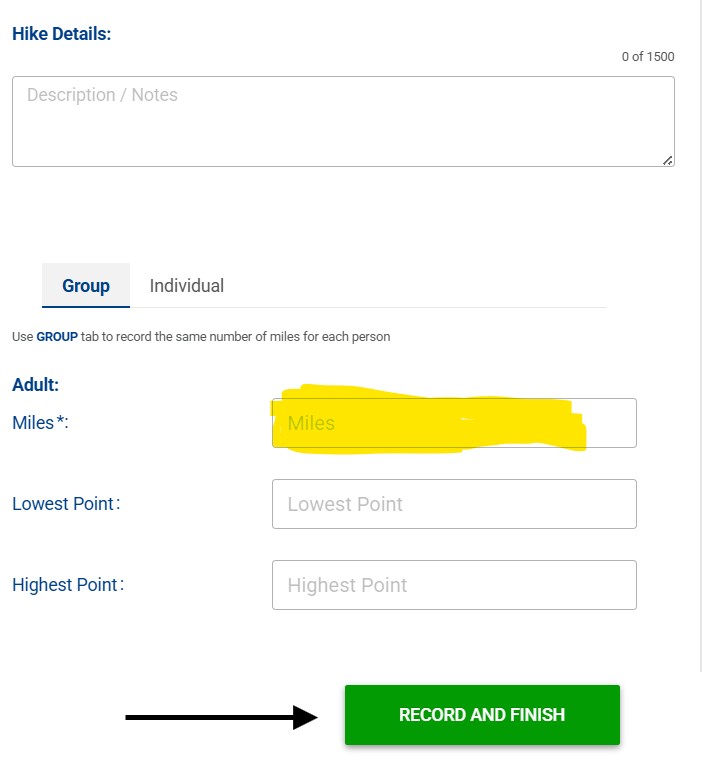
At this point, don't feel like you have to fill out every box. The most important boxes to fill out are the Hike Name, for date it is recommended by the Cub master to just select "All Day Event", Hike Location (can be a general name like park or similar), and the mileage. Finally click the "Record and Finish" button.
Still have questions?
If you’re unsure about anything, don't hesitate to ask. Reach out to another leader or the committee. We’re all learning together, and no one is expected to figure it out on their own.


Cub Scouts
Pack 628
New Market, MD
(c) Cub Scout Pack 628, 2015
Connect


